
Understanding Native Browser Features for Managing Your Web Experience
In today's digital landscape, Estonian internet users are increasingly seeking ways to customize their browsing experience and reduce online clutter. While many turn to third-party solutions, modern web browsers come equipped with powerful built-in features that can help you take control of what appears on your screen during daily internet use. This comprehensive guide explores these native capabilities and how they can enhance your online experience.
The Evolution of Browser Capabilities
Web browsers have evolved significantly over the past decade, transforming from simple page viewers into sophisticated platforms with extensive customization options. Today's browsers include native features designed to help users manage content, protect privacy, and optimize their browsing experience without requiring additional software installations.
Estonian users, like their counterparts worldwide, spend an average of several hours daily browsing the internet. During this time, they encounter various types of content, some welcome and others less so. Understanding your browser's built-in capabilities is the first step toward creating a more pleasant and productive online environment.
Modern browsers such as Chrome, Firefox, Safari, and Edge all include robust settings menus where users can fine-tune their experience. These settings go far beyond basic preferences, offering granular control over how websites interact with your device and what content gets displayed on your screen.
Content Settings and Permissions Management
One of the most powerful native features available in modern browsers is the content settings panel. This centralized control center allows you to manage permissions for various website capabilities, including notifications, location access, camera and microphone usage, and automatic downloads.
To access these settings in most browsers, navigate to the settings menu and look for sections labeled "Privacy and Security" or "Site Settings." Here, you'll find comprehensive options for controlling how websites can interact with your browser. For instance, you can block all pop-ups by default, prevent sites from automatically playing videos with sound, or disable intrusive notification requests that have become increasingly common.
Estonian users particularly benefit from understanding these settings, as they provide a foundation for reducing online clutter without compromising website functionality. By taking a few minutes to review and adjust these permissions, you can significantly improve your browsing experience while maintaining access to the content and services you value.
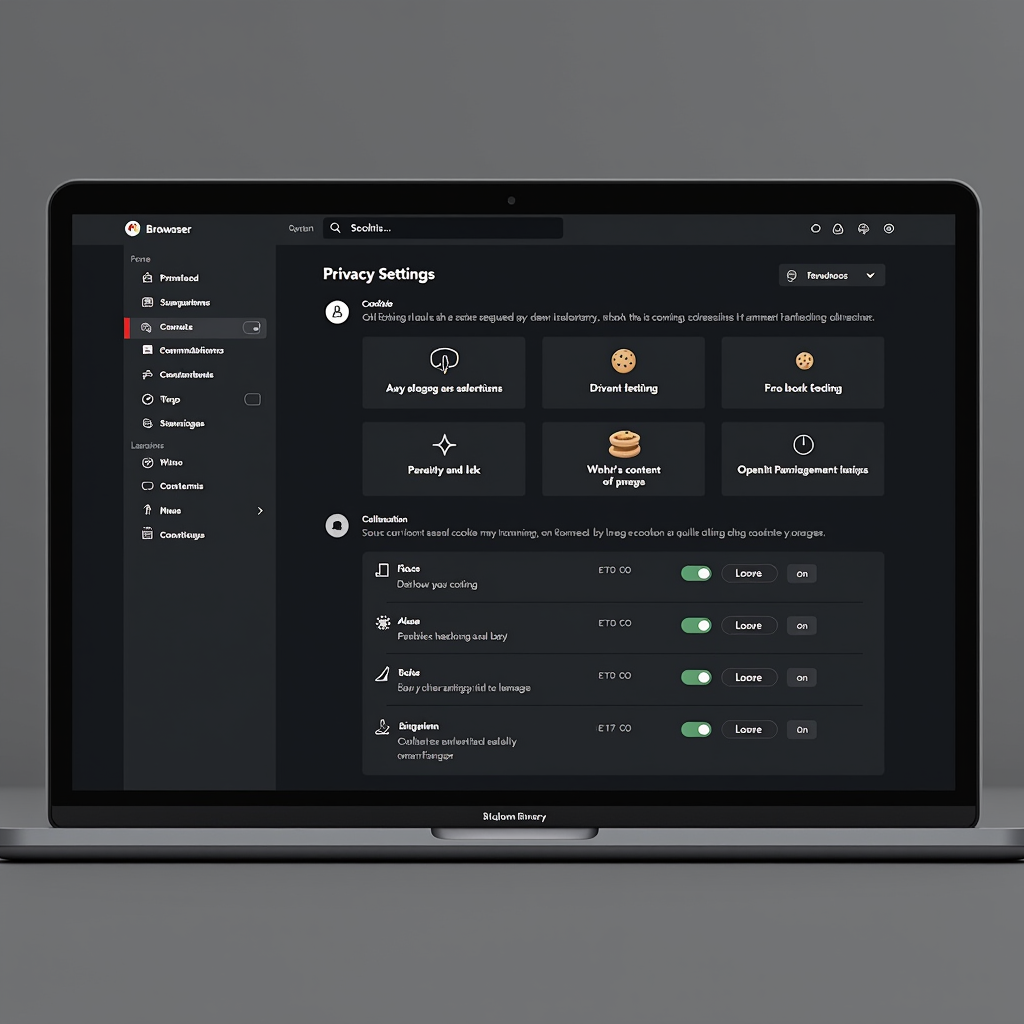
JavaScript and Cookie Controls
JavaScript is a programming language that powers much of the interactive content on modern websites. While essential for many web applications, JavaScript can also be used to display unwanted content or track your browsing behavior. Most browsers allow you to disable JavaScript entirely or on a per-site basis, though this may affect website functionality.
Similarly, cookie management tools built into your browser let you control how websites store information on your device. You can configure your browser to block third-party cookies, which are often used for tracking purposes, while still allowing first-party cookies that enable basic website functionality like keeping you logged in.
Reader Mode and Simplified Viewing
Many modern browsers include a reader mode feature that strips away extraneous elements from web pages, leaving only the core content. This feature is particularly useful when reading articles or blog posts, as it removes sidebars, headers, footers, and other potentially distracting elements.
To activate reader mode, look for an icon in your browser's address bar (often resembling a document or book) when viewing article pages. Clicking this icon transforms the page into a clean, readable format with customizable font sizes and background colors. This native feature provides an instant way to reduce online clutter and focus on the content that matters to you.
For Estonian users who frequently read news articles or educational content online, reader mode can significantly enhance the reading experience. It's particularly valuable on mobile devices, where screen space is limited and simplified layouts improve readability.
Pro Tip:Most browsers allow you to customize reader mode settings, including font type, size, and background color. Experiment with these options to find the combination that's most comfortable for your eyes during extended reading sessions.
Privacy-Focused Browsing Modes
All major browsers offer private or incognito browsing modes that provide enhanced privacy and can help reduce online clutter. When you browse in private mode, your browser doesn't save your browsing history, cookies, or site data. This means websites can't use stored information to customize content or track your behavior across sessions.
While private browsing doesn't make you anonymous online, it does provide a cleaner slate for each browsing session. This can be particularly useful when researching topics or shopping online, as it prevents websites from building profiles based on your previous visits. Estonian users concerned about privacy and wanting to minimize personalized content can benefit from incorporating private browsing into their regular internet habits.
Additionally, some browsers offer enhanced tracking protection features that go beyond basic private browsing. These features actively block known tracking scripts and cookies, providing an extra layer of protection against online surveillance and reducing the amount of targeted content you encounter.
Site-Specific Settings and Exceptions
Modern browsers recognize that not all websites should be treated equally. That's why they include features for creating site-specific settings and exceptions. This granular control allows you to maintain strict default settings while making exceptions for trusted websites that require additional permissions.
For example, you might block all pop-ups by default but create an exception for your online banking website, which uses pop-ups for security verification. Similarly, you could disable JavaScript globally but enable it for specific web applications you use regularly. This approach gives you the best of both worlds: strong default protections with flexibility where needed.
To manage site-specific settings, most browsers provide a lock icon or information button in the address bar. Clicking this icon reveals the permissions currently granted to the website you're viewing and allows you to modify them instantly. This feature is particularly valuable for Estonian users who want to maintain control over their browsing experience without sacrificing functionality on their favorite websites.
Managing Website Notifications
Website notifications have become increasingly prevalent, with many sites requesting permission to send push notifications to your device. While some notifications can be useful, an excess of notification requests and alerts contributes significantly to online clutter.
Your browser's notification settings allow you to block all notification requests by default or review them on a case-by-case basis. You can also revoke notification permissions for sites that you previously allowed, helping you regain control over the alerts that appear on your screen. Taking time to audit and manage your notification permissions can dramatically reduce interruptions during your browsing sessions.
Search Engine and Homepage Customization
The search engine and homepage you use significantly impact your browsing experience. Modern browsers allow you to customize both, giving you control over what you see when you open a new tab or perform a search.
Many browsers default to showing a grid of frequently visited sites or suggested content on new tabs. If you find this distracting, you can usually configure your browser to display a blank page or a simple search box instead. This minimalist approach reduces visual clutter and helps you focus on your intended task.
Similarly, you can change your default search engine to one that prioritizes privacy and doesn't track your searches. Several privacy-focused search engines are available that provide quality results without building profiles of your search history. Estonian users concerned about privacy and data collection can benefit from exploring these alternatives.
Extensions and Add-ons: When Native Features Aren't Enough
While this guide focuses on native browser features, it's worth noting that browsers support extensions and add-ons that can further enhance your control over web content. However, it's important to be selective about which extensions you install, as each one requires permissions and can potentially access your browsing data.
Before installing any extension, carefully review the permissions it requests and consider whether the functionality it provides is worth the access it requires. Many users find that native browser features meet most of their needs, reducing the necessity for additional software that could slow down their browser or compromise their privacy.
For Estonian users specifically, it's advisable to research extensions thoroughly and stick to well-reviewed options from trusted developers. The browser extension stores typically include user ratings and reviews that can help you make informed decisions about which tools to add to your browser.
Mobile Browser Considerations
Mobile browsers present unique challenges and opportunities for managing your web experience. Screen space is limited, making clutter more noticeable and disruptive. Fortunately, mobile browsers include many of the same features as their desktop counterparts, often with mobile-specific enhancements.
Mobile browsers typically offer data saver modes that compress web pages and reduce the amount of content loaded, which can help minimize clutter while also saving bandwidth. These modes are particularly useful for Estonian users with limited data plans or when browsing on slower mobile networks.
Additionally, mobile browsers often include gesture controls and simplified interfaces that make it easier to navigate and manage settings on smaller screens. Taking time to explore your mobile browser's settings can reveal features you didn't know existed, helping you create a cleaner, more efficient mobile browsing experience.
Regular Maintenance and Best Practices
Maintaining a clean browsing experience requires periodic attention. Set aside time every few months to review your browser settings, clear accumulated data, and audit the permissions you've granted to various websites. This regular maintenance helps ensure your browser continues to perform optimally and that your settings still align with your preferences.
Consider clearing your browsing history, cache, and cookies periodically. While this will log you out of websites and remove some personalization, it provides a fresh start and can improve browser performance. Most browsers allow you to clear specific types of data while preserving others, giving you control over what gets removed.
Estonian users should also stay informed about browser updates, as new versions often include enhanced privacy features and improved content management tools. Keeping your browser up to date ensures you have access to the latest native features designed to help you manage your web experience.
Remember:The goal of using native browser features isn't to block all content indiscriminately, but rather to give you control over your browsing experience. Take time to understand what each setting does and adjust them to match your personal preferences and needs.
Conclusion: Empowering Your Digital Experience
Modern web browsers are powerful tools that offer extensive native features for managing your online experience. By understanding and utilizing these built-in capabilities, Estonian users can reduce online clutter, protect their privacy, and create a more pleasant browsing environment without relying on third-party solutions.
The key is to take an active role in configuring your browser settings rather than accepting the defaults. Spend time exploring your browser's settings menu, experiment with different configurations, and don't hesitate to adjust settings as your needs change. Your browser is a tool that should work for you, and these native features give you the power to make it do exactly that.
Whether you're concerned about privacy, seeking to reduce distractions, or simply wanting a cleaner browsing experience, the native features built into modern browsers provide a solid foundation. By mastering these tools, you can take control of your digital life and enjoy a more focused, secure, and pleasant internet experience.